Купить ❤️XBOX GAME PASS ULTIMATE 12 months / account / XBOX+PC
Content: text (0 symbol)
Available: 48
Uploaded: 29.05.2026
Positive responses: 100
Negative responses: 1
Sold: 100
Refunds: 24
Seller: Digital Pro
information about the seller and its items
Loyalty discount! If the total amount of your purchases from the seller more than:
| $300 | the discount is | 2% |
$7.63
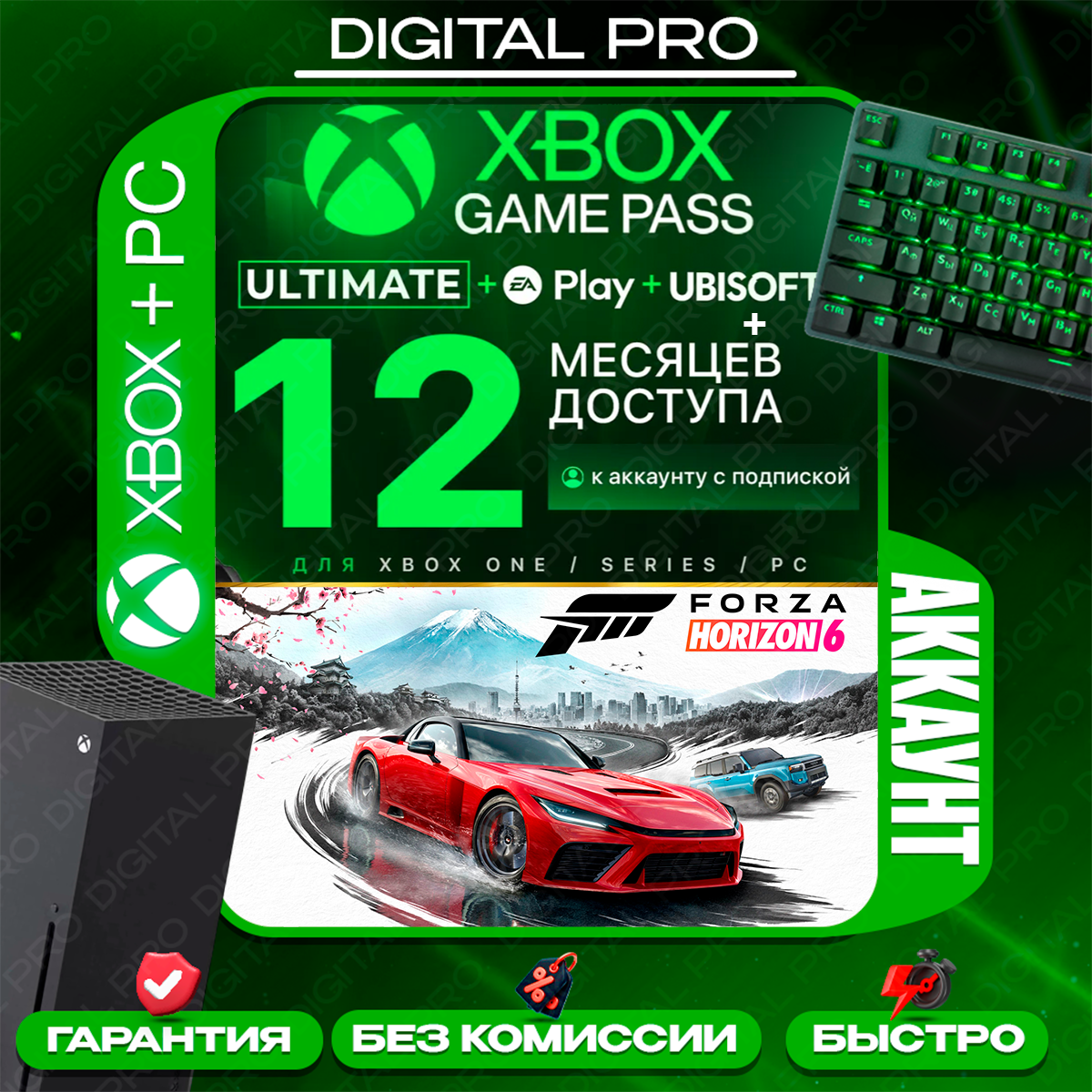
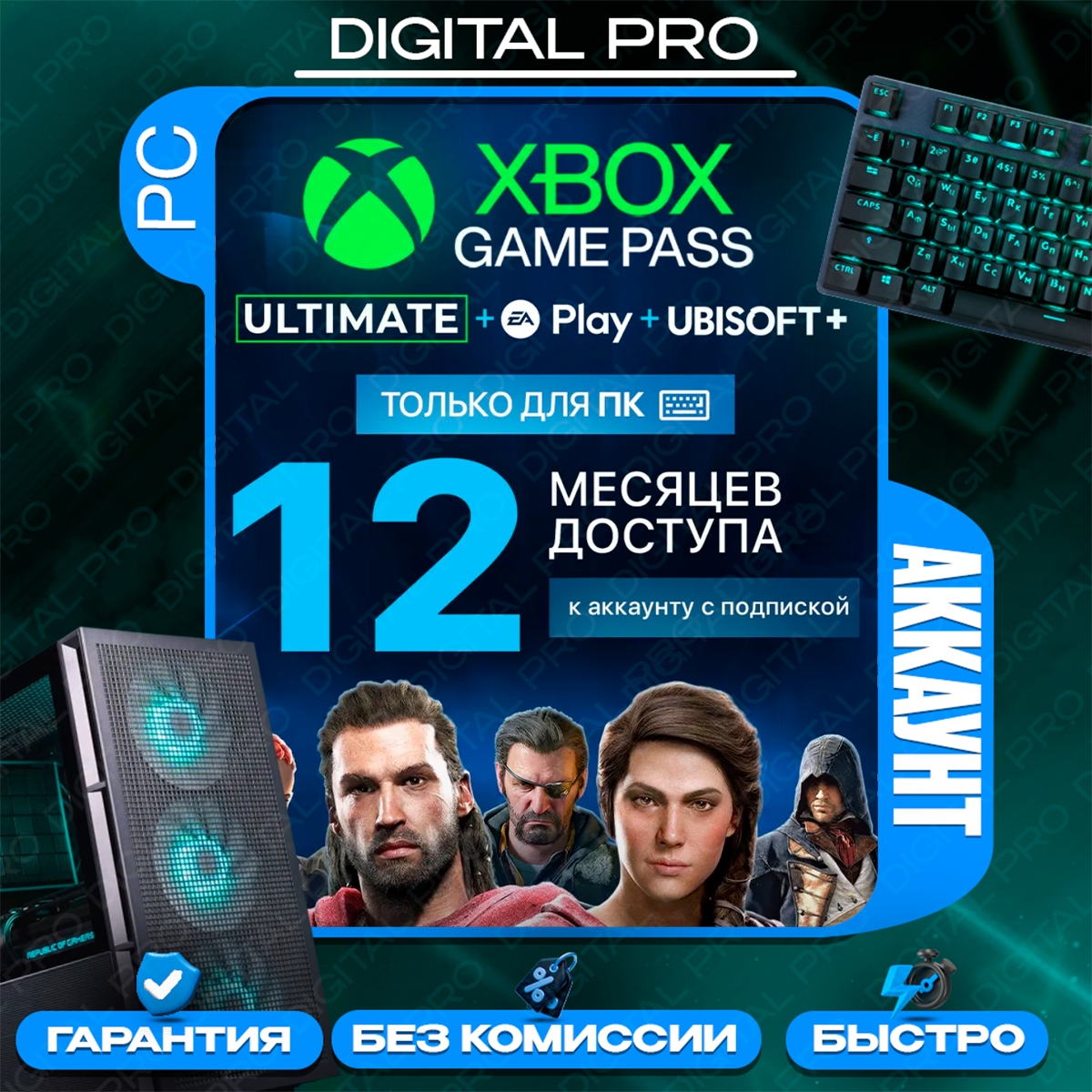
After payment, you receive a SHARED ACCOUNT WITH AN Xbox Game Pass Ultimate SUBSCRIPTION (account login details).
The subscription duration matches the term you selected at checkout.
Select your desired subscription term, complete the payment, and message the seller to receive access: https://oplata.info/info/
📢 ATTENTION! BEFORE PAYING, SELECT THE PLATFORM YOU NEED THE SUBSCRIPTION FOR: XBOX, PC, or XBOX + PC.
📢 The account may not necessarily show an active subscription covering the entire duration you purchased upfront—the subscription will be renewed on time.
🔥 Over 400 games for Xbox consoles and PC
🔥 New games available on launch day, including new Xbox releases
🔥 Includes subscriptions:
- Xbox Game Pass
- EA Play (for consoles)
- Ubisoft Classics (for consoles)
❗ This is a shared-access account.
❗ You must follow the instructions to launch the games every time you want to play.
❗ You will receive the current instructions after payment by clicking the "PRODUCT USAGE INSTRUCTIONS" button.
FOR XBOX (Screen Time method):
1) Log in to your personal account, go to "Settings," and disconnect from the network:
Network settings > Go offline
2) Next, we need to grant access to the purchased account:
System > Time; select a time between 3:00 AM and 4:00 AM
3) Log in to the purchased account and immediately log out
4) Connect to the network:
General > Network settings > Go online
5) Now, restrict access to the purchased account:
System > Time; select any time *except* 3:00 AM – 4:00 AM
6) Log in to the purchased account, then log out of your personal account 2 seconds after the "Hello" banner disappears
7) Log in to the purchased account (the Screen Time notification will appear), then switch to your personal account
8) Launch the game
⛔ Not suitable for cloud services: GeForce NOW, Xbox Cloud Gaming, etc.
ADDITIONAL NOTES:
- If you cannot launch the game, try logging out of the purchased account after the game menu has fully loaded. Finding the right timing is key—try logging out of the purchased account slightly earlier or later.
P.S.
- If you still cannot launch the game, do the following:
General > Network settings > Advanced settings > Alternate MAC address > Clear > Restart console
After restarting, try following the instructions again.
- If a message appears saying "Someone else is playing...", select "Play here instead"; this will kick the other user off the account, allowing you to proceed with the instructions. FOR PC:
1) Open the Microsoft Store app.
2) Enter the login details for the purchased account.
3) Instead of a password, select "use app" and send the two-digit code that appears on the screen to the seller; the seller will approve the login.
4) Install the game you want to play.
5) Log in to your personal account within the Xbox app and play.
⛔ Compatible only with Windows 10 and 11.
⛔ Not compatible with cloud gaming services (GeForce NOW, Xbox Cloud Gaming, etc.).
⛔ Minecraft Dungeons, EA Play/Ubisoft, and Battle.net games DO NOT WORK on PC.
If you encounter login issues, please contact the seller for updated instructions or further information.
The seller is not liable for changes in Microsoft´s policies regarding shared accounts or for account malfunctions following console updates.
Game crashes may occur. Online multiplayer functionality is not guaranteed.
The issues mentioned above are not covered by the warranty.
View all our offers here: https://www.steam-store.net/seller/638636
* PLEASE LEAVE A REVIEW AND GET A DISCOUNT. THANK YOU! *The subscription duration matches the term you selected at checkout.
Select your desired subscription term, complete the payment, and message the seller to receive access: https://oplata.info/info/
📢 ATTENTION! BEFORE PAYING, SELECT THE PLATFORM YOU NEED THE SUBSCRIPTION FOR: XBOX, PC, or XBOX + PC.
📢 The account may not necessarily show an active subscription covering the entire duration you purchased upfront—the subscription will be renewed on time.
🔥 Over 400 games for Xbox consoles and PC
🔥 New games available on launch day, including new Xbox releases
🔥 Includes subscriptions:
- Xbox Game Pass
- EA Play (for consoles)
- Ubisoft Classics (for consoles)
❗ This is a shared-access account.
❗ You must follow the instructions to launch the games every time you want to play.
❗ You will receive the current instructions after payment by clicking the "PRODUCT USAGE INSTRUCTIONS" button.
FOR XBOX (Screen Time method):
1) Log in to your personal account, go to "Settings," and disconnect from the network:
Network settings > Go offline
2) Next, we need to grant access to the purchased account:
System > Time; select a time between 3:00 AM and 4:00 AM
3) Log in to the purchased account and immediately log out
4) Connect to the network:
General > Network settings > Go online
5) Now, restrict access to the purchased account:
System > Time; select any time *except* 3:00 AM – 4:00 AM
6) Log in to the purchased account, then log out of your personal account 2 seconds after the "Hello" banner disappears
7) Log in to the purchased account (the Screen Time notification will appear), then switch to your personal account
8) Launch the game
⛔ Not suitable for cloud services: GeForce NOW, Xbox Cloud Gaming, etc.
ADDITIONAL NOTES:
- If you cannot launch the game, try logging out of the purchased account after the game menu has fully loaded. Finding the right timing is key—try logging out of the purchased account slightly earlier or later.
P.S.
- If you still cannot launch the game, do the following:
General > Network settings > Advanced settings > Alternate MAC address > Clear > Restart console
After restarting, try following the instructions again.
- If a message appears saying "Someone else is playing...", select "Play here instead"; this will kick the other user off the account, allowing you to proceed with the instructions. FOR PC:
1) Open the Microsoft Store app.
2) Enter the login details for the purchased account.
3) Instead of a password, select "use app" and send the two-digit code that appears on the screen to the seller; the seller will approve the login.
4) Install the game you want to play.
5) Log in to your personal account within the Xbox app and play.
⛔ Compatible only with Windows 10 and 11.
⛔ Not compatible with cloud gaming services (GeForce NOW, Xbox Cloud Gaming, etc.).
⛔ Minecraft Dungeons, EA Play/Ubisoft, and Battle.net games DO NOT WORK on PC.
If you encounter login issues, please contact the seller for updated instructions or further information.
The seller is not liable for changes in Microsoft´s policies regarding shared accounts or for account malfunctions following console updates.
Game crashes may occur. Online multiplayer functionality is not guaranteed.
The issues mentioned above are not covered by the warranty.
View all our offers here: https://www.steam-store.net/seller/638636
No refunds are available once the buyer has received the account details.
By making a purchase, you automatically agree to the terms and conditions outlined in the product description.
By making a purchase, you automatically agree to the terms and conditions outlined in the product description.
PROHIBITED:
- Changing profile information or sharing it with third parties
- Making your profile your home account
- Changing your region or security information
- Installing on more than one console or logging into your profile from any device other than your console
- PLAYING WITH THE GAME´S PROFILE IS STRICTLY PROHIBITED!!! VIOLATING THIS PROVISION WILL RESULT IN YOUR ACCESS BEING LOST!!!
You must play with your main account, following the instructions provided.
⛔ Deleting your account from your PC or console is PROHIBITED (you´ll be charged again when you log in again!)attention🕜 Business Hours: 10:00 AM - 9:00 PM Moscow Time 🕜
If you purchased the product outside of business hours, you will receive a response in the morning.
- Changing profile information or sharing it with third parties
- Making your profile your home account
- Changing your region or security information
- Installing on more than one console or logging into your profile from any device other than your console
- PLAYING WITH THE GAME´S PROFILE IS STRICTLY PROHIBITED!!! VIOLATING THIS PROVISION WILL RESULT IN YOUR ACCESS BEING LOST!!!
You must play with your main account, following the instructions provided.
⛔ Deleting your account from your PC or console is PROHIBITED (you´ll be charged again when you log in again!)attention🕜 Business Hours: 10:00 AM - 9:00 PM Moscow Time 🕜
If you purchased the product outside of business hours, you will receive a response in the morning.
16.09.2026 3:17:36
i have no issue with scanning login but since i used work pc i need to change account to corporate account and sudenly i read additional information that if you change the account your account that your buy is loss the accsess
i didnt even login yet not touching the account etc
i describe as detail as possible to seller and yet decline to refund
i didnt even login yet not touching the account etc
i describe as detail as possible to seller and yet decline to refund
12.09.2026 9:41:49
Всё отлично работает. Рекомендую изучить инструкцию
11.09.2026 12:27:21
Использую второй раз, уже второй год, все гуд, рекомендую брать
10.09.2026 21:51:44
Быстро и качественно! Покупаю уже второй раз на другое устройство. Возможно перед отпуском и для приставки куплю!
07.09.2026 16:28:38
Отличный продавец, все работает.
06.09.2026 2:13:36
Всё отлично! Всё работает! В случае, если я туплю, продавец всегда отвечает быстро и помогает решить проблемы мои. Я рекомендую всем, и буду брать в дальнейшем только тут! Всем мир!
02.09.2026 11:36:11
Продавец очень отзывчивый .
Ответил быстро, помог разобраться со всеми моими вопросами.
Продавца рекомендую и благодарю!
Ответил быстро, помог разобраться со всеми моими вопросами.
Продавца рекомендую и благодарю!
01.09.2026 11:55:49
Всё отлично работает, инструкция понятная
31.08.2026 11:56:39
Всё отлично
30.08.2026 16:24:17
Всё, как всегда, отлично! Спасибо
30.08.2026 14:20:15
Владелец быстро отвечает, есть хорошо написанная инструкция и всё работает!
27.08.2026 19:04:21
Продавец Digital Pro, Как всегда Радует, я купил для моего Xbox Series X Вновь после Годика у Него, аккаунт с GamePass, и Он работает Как Часы,человека, что сообщение выше по поводу использования аккаунта с GamePass, можно обходить Мимо, моя Оценка Digital Pro, 10/10!)
26.08.2026 18:00:25
Не первый год пользуюсь этим магазином. Беру мультиакк уже второй раз. В отличие от других магазинов хорошо настроен родительский контроль, каждый вход подтверждается магазином.
26.08.2026 13:33:18
Купил аккаунт месяц назад, нареканий не было, продавец на любые вопросы отвечает довольно быстро
25.08.2026 14:31:24
Всё быстро пришло