Купить Last Asylum: Plague - Banknotes/Bundles
Content: text (0 symbol)
Available: 1
Uploaded:
Positive responses: 30
Negative responses: 0
Sold: 389
Refunds: 0
$1.67
🛡 Safe & Secure Last Asylum: Plague Top-Up!
🛟 How to Order:
1. Select the desired product.
2. Enter your UID, Server, and Character Name.
3. Complete your payment using your preferred payment method.
4. After payment you will receive a unique code, which should be sent to us in the seller´s chat.
5. Wait for the operator’s response. A one-time password will be required to complete your order.
⏱ Order Processing Hours: 10:00 AM – 10:00 PM MSK
🔍 Where to Find Your UID & One-Time Password:
1. Open the game → tap your Avatar in the top-left corner → select Account → open Personal Center.
2. Your UID will be displayed at the top, with the one-time password directly below it.
🤝 Can’t Find the Product You Want? No Problem!
You can use Banknotes to purchase any item available in the in-game shop:
1. Open the game and go to the Shop.
2. Next to your Banknotes balance, tap the 🔁 switch button.
3. Done! The prices of all available items will now be displayed in Banknotes instead of real currency.
4. You can now purchase the required amount of Banknotes and use them to buy the item you want directly in the game.
🛟 How to Order:
1. Select the desired product.
2. Enter your UID, Server, and Character Name.
3. Complete your payment using your preferred payment method.
4. After payment you will receive a unique code, which should be sent to us in the seller´s chat.
5. Wait for the operator’s response. A one-time password will be required to complete your order.
⏱ Order Processing Hours: 10:00 AM – 10:00 PM MSK
🔍 Where to Find Your UID & One-Time Password:
1. Open the game → tap your Avatar in the top-left corner → select Account → open Personal Center.
2. Your UID will be displayed at the top, with the one-time password directly below it.
🤝 Can’t Find the Product You Want? No Problem!
You can use Banknotes to purchase any item available in the in-game shop:
1. Open the game and go to the Shop.
2. Next to your Banknotes balance, tap the 🔁 switch button.
3. Done! The prices of all available items will now be displayed in Banknotes instead of real currency.
4. You can now purchase the required amount of Banknotes and use them to buy the item you want directly in the game.
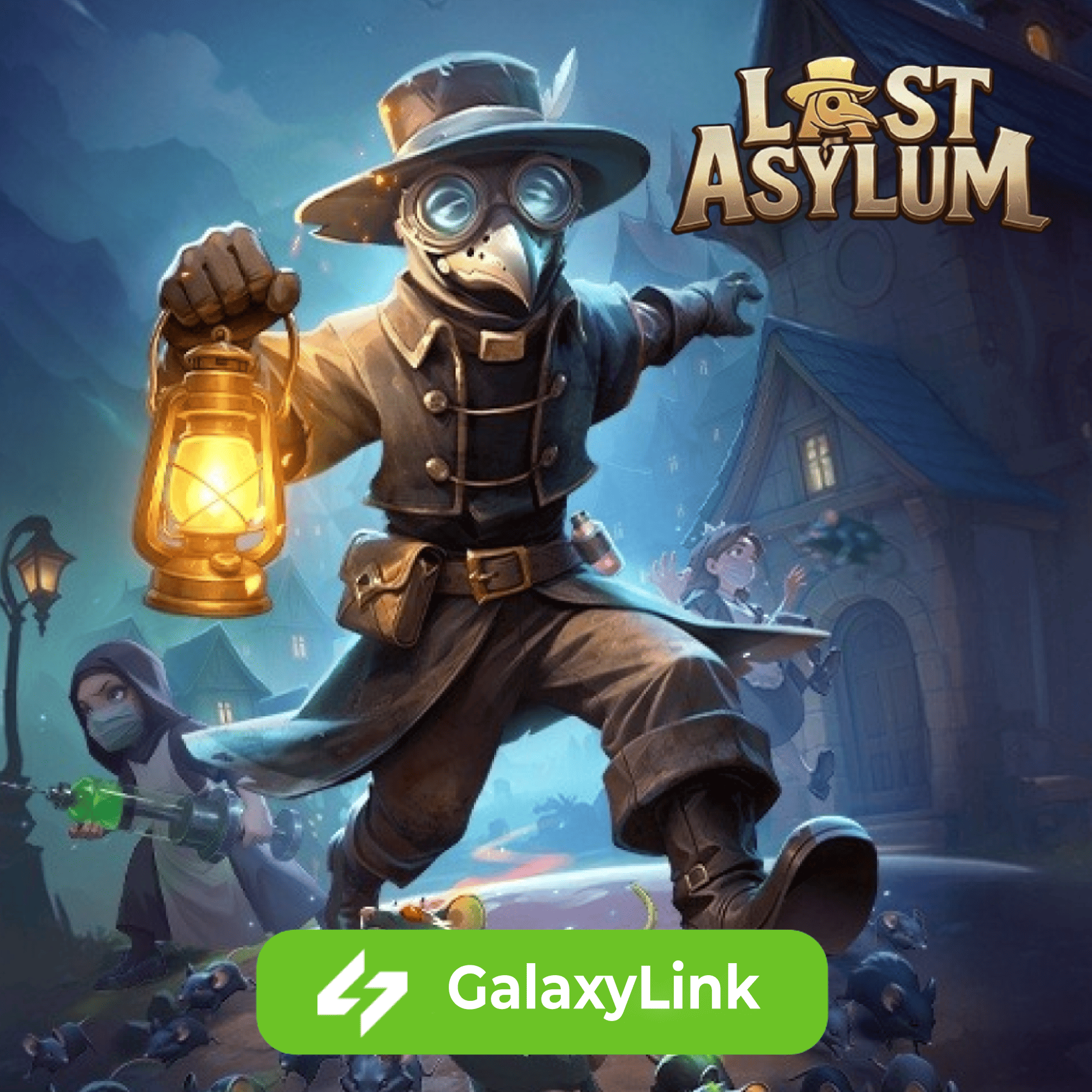
🧟♂️ Buy in-game currency in Last Asylum: Plague to speed up base development, strengthen your heroes, and survive in a zombie apocalypse. More resources — more chances to dominate.
17.09.2026 11:55:31
Оперативно, спасибо.
14.09.2026 10:36:37
Большое спасибо ,все отлично
01.09.2026 12:36:22
Все отправили очень быстро!
27.08.2026 17:37:29
Все круто
23.08.2026 16:18:40
Все супер!!!
23.08.2026 10:24:33
Спасибо, получил купюры в кратчайшие сроки.
20.08.2026 15:43:19
Лучший продавец!
19.08.2026 21:08:33
Всё быстро
16.08.2026 16:57:22
Идеально быстро!
15.08.2026 20:47:39
Спасибо вы лучшие
13.08.2026 17:20:15
Все быстро
13.08.2026 13:57:48
Все отлично !
11.08.2026 20:31:04
Все великолепно , сработано быстро и четко!
25.07.2026 11:16:17
Спасибо
23.07.2026 16:30:26
Самые лучшие!!! Все быстро и чётко!!!!